


Computer Mouse – Wireless, Bluetooth & Gaming
+
Ambrane offers a focused range of mouse devices designed for students, working professionals, and casual gamers who value consistent performance at fair prices. As a homegrown Indian brand with a diverse portfolio of mobile accessories and IT peripherals, we ensure each mouse is built for a comfortable grip, responsive tracking, and a clean desk setup.
Explore a variety of options, including wired, wireless, Bluetooth, and gaming mice, all tailored to suit different needs and preferences. Find the right mouse that complements the way you work, study, or play.
What are the Different Types of Mouse We Offer?
At Ambrane, we offer a range of mouse options to suit different preferences and setups. Explore the different types of mouse we offer to find the one that best fits your needs.
Wired Mouse
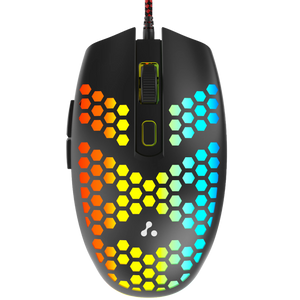
A wired mouse plugs directly into your computer's USB port and works instantly, with no pairing or charging needed. Ambrane's Trone series features a 1.5m copper braided cable that resists tangling, along with adjustable DPI settings of 1200, 1800, 2400, and 3600 for controlled cursor movement. A honeycomb shell on select models adds ventilation during long sessions. This format suits desktop setups where a fixed cable is not a concern.
Wireless Mouse
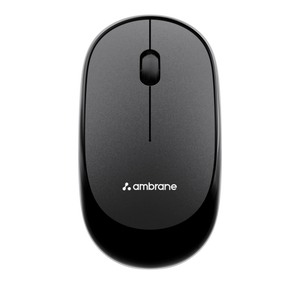
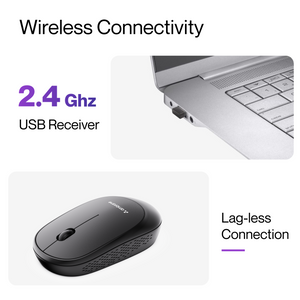
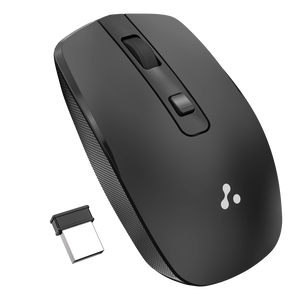
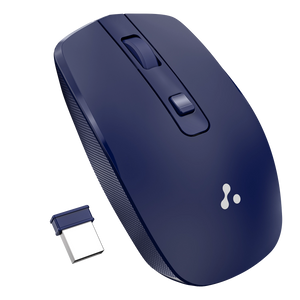
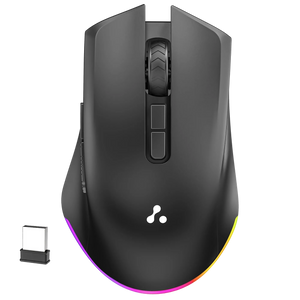
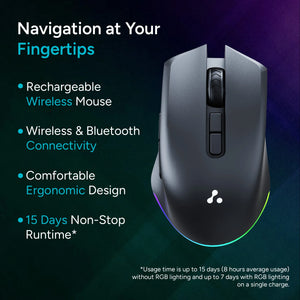
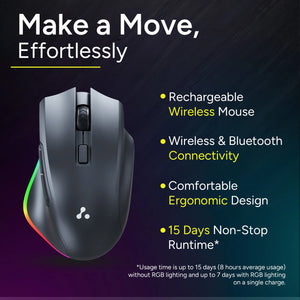
A wireless mouse uses a compact 2.4GHz USB receiver that plugs into your laptop or desktop, giving you cord-free movement without installation steps. Ambrane'sSliQ range includes Type-C rechargeable models that deliver up to 15 days of use on a single charge, along with an auto-sleep feature to save power. This keeps your workspace free of cable clutter, which helps on compact desks and during travel.
Bluetooth Mouse
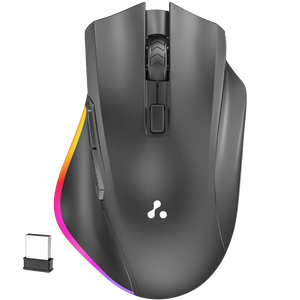
A Bluetooth mouse pairs directly with your device without needing a USB dongle, which is useful for newer laptops and tablets with limited ports. The SliQ Glow and SliQ Glow+ offer dual connectivity, letting you switch between Bluetooth and 2.4GHz modes across up to three devices. Subtle RGB lighting adds a visual element without being distracting during work hours.
Gaming Mouse
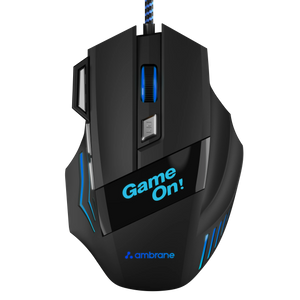
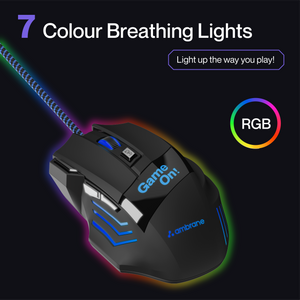
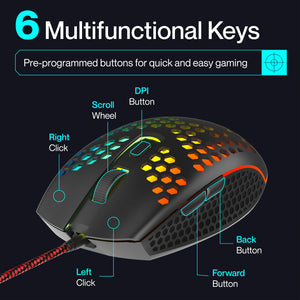
A gaming mouse is built for faster response, adjustable sensitivity, and stronger grip. Ambrane's Trone and TroneX models include DPI up to 3600, multi-function keys for DPI switching, forward, back, and double-click, along with breathing LED lights. The wired design keeps latency low, which helps during fast-paced gameplay.
How to Choose the Right Mouse? A Quick Buying Guide
Choosing the right mouse depends on your usage, setup, and comfort preferences. Here are a few key factors to consider:
- • Purpose of use: Pick a gaming mouse for high-speed control and quick DPI adjustments. For everyday tasks like browsing, documents, or online classes, a standard mouse works well.
- • Connectivity Type: Wired mice offer stable, zero-lag performance. 2.4GHz wireless mice provide a reliable, cable-free experience, while Bluetooth mice are ideal for multi-device use without a dongle.
- • DPI Sensitivity: 800 to 1600 DPI is enough for daily tasks. 2400 DPI and above support gaming and detailed editing.
- • Ergonomic Comfort: Look for a shape, weight, and button layout that feels comfortable in your hand. A well-designed mouse helps reduce strain during long hours of use.
- • Battery life (wireless models): Consider rechargeable options with Type-C charging and auto-sleep features for longer usage and convenience.
- • Workspace setup: Choose a mouse that fits well with your desk setup and other accessories for a smooth and organised experience.
Wired vs Wireless vs Bluetooth Mouse: Which One Should You Pick?
| Feature | Wired Mouse | Wireless Mouse (2.4GHz) | Bluetooth Mouse |
|---|---|---|---|
| Connection | USB cable, plug-and-play | 2.4GHz USB receiver | Pairs via Bluetooth |
| Setup | Instant | One-time dongle plug-in | Initial pairing required |
| Lag | None | Minimal | Slight possible |
| Portability | Limited by cable | High | Very high |
| Battery | Not required | Rechargeable | Rechargeable |
| Best Suited For | Fixed desk setups | Everyday laptop use | Multi-device users, travel |
Pick a wired option for a stationary setup where reliability matters most. Pick a 2.4GHz wireless mouse for cord-free daily use. Pick a Bluetooth mouse if you switch between laptops, tablets, and phones often, and pair it with laptop stands for a more ergonomic setup.
What is the key difference between gaming and Regular Mouse?
A regular mouse is ideal for everyday tasks and offers a simple, cost-effective solution. A gaming mouse, on the other hand, provides higher sensitivity, customizable controls, and enhanced precision for fast-paced or detailed use.
| Feature | Regular Mouse | Gaming Mouse |
|---|---|---|
| Purpose | Daily work, browsing, study | Fast-paced gameplay, design tasks |
| DPI | 800 to 1600 DPI | 1200 to 3600 DPI, adjustable |
| Buttons | 2 to 3 standard buttons with scroll | 6 to 7 programmable buttons |
| Build | Ergonomic and lightweight | Grip-focused with reinforced design |
| Lighting | Minimal or none | RGB or breathing LED |
| Cable | Wired or wireless | Usually wired with braided cable |
A regular mouse handles routine tasks at a lower price point. A gaming mouse adds sensitivity control and extra function keys that improve fast-paced use.
Why Choose an Ambrane Mouse?
Expertise in Tech Accessories
Ambrane has years of experience building digital accessories for Indian users, spanning charging solutions, audio devices, and IT peripherals. Products are developed and assembled domestically under the Make in India initiative, with a focus on durability, comfort, and accessible pricing.
Reliable Warranty, Exchange & Return Support
We promise a 6-month warranty and a 7-day return window on every product. If the delivered product is damaged, defective, or incorrect, you can raise a request within 48 hours, and we will arrange a replacement after verifying the presence of manufacturing defects.
FAQs
Is a Bluetooth mouse better than a wireless mouse?
Not necessarily. A Bluetooth mouse is convenient as it doesn’t need a USB receiver, while a wireless (2.4GHz) mouse often offers a more stable connection and lower latency. The better option depends on your usage and device compatibility.
Which mouse is best for a laptop — wired or wireless?
A wireless or Bluetooth model usually works better with a laptop since it removes cable clutter and saves USB ports. Choose a wired mouse only if you prefer zero lag on a fixed desk setup.
Do I need adjustable DPI in a computer mouse?
Not always. Adjustable DPI is useful if you switch between tasks like gaming and regular work, as it lets you control cursor speed easily. For basic use like browsing or documents, a standard DPI is usually sufficient.
What is DPI and how does it affect mouse performance?
DPI (dots per inch) measures how sensitive a mouse is to movement. A higher DPI moves the cursor faster with less hand motion, making it suitable for gaming and design tasks, while a lower DPI offers more controlled and precise movement for everyday use like reading and writing.
Which mouse is best suited for gaming?
A gaming mouse is the best choice for gaming, as it offers higher DPI, faster response time, and programmable buttons for better control. At Ambrane, gaming mouse are designed with features like adjustable DPI, ergonomic grip, and low-latency performance to ensure smoother and more responsive gameplay.

Reliable Customer Support

6 Months Warranty

Shipping Across India